
 Login with Infoxchange
 Login with TechSoup New Zealand
 Login with DigitalTransformation.NGO
 Login with Cyber Safe Hub
登録オプション
Topics:
Data & Analytics
提供元
Microsoft
ウェビナー録画
説明
講師について
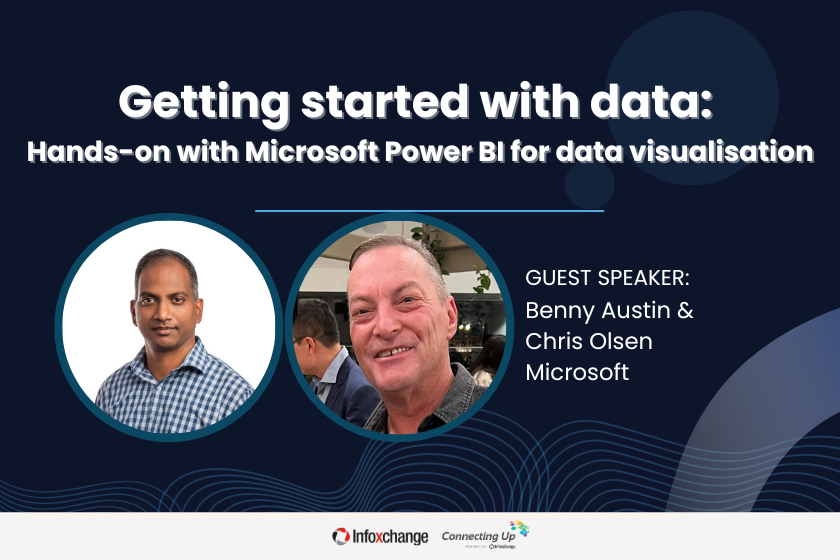
Join Chris and Benny for an interactive, hands-on session where you’ll learn how to use Microsoft Power BI to transform your data into compelling visual stories. Whether you're new to data visualisation or looking to sharpen your skills, this workshop will guide you step by step through the powerful features of Power BI. By the end of the session, you’ll have the tools and confidence to create impactful dashboards and visualisations that drive better decision-making for your organization.
This webinar is part of a two-parter series with Microsoft in our Getting Started with Data series. In part one, Chris and Benny introduced you to Microsoft Power BI for data analytics. If you were not able to attend that webinar, it is recommended you watch the video in our Recordings library.
To get the most from this series, the Microsoft team recommend you download Microsoft Power BI desktop (for free). This workshop is not recommended for Mac users, unless you have access to a remote Microsoft desktop.
このコースでは次の内容を学べます:
- Microsoft Power BI basic concepts
- Best practices for data analysis and visualisation using Power BI
- Data visualisation techniques
*このコースに登録すると、このコースに関する通知をメールで受け取ることに同意したものとみなされます。また、プライバシーポリシーに従って、他のコースについてもご案内します。受信箱を尊重し、通知はいつでも配信停止できます。
コース資料は登録日から12か月間利用できますので、12か月が経過する前に必要な資料へアクセスしてください。
外部コースに登録する前に、価格を確認し、提供元の利用規約をご確認ください。
以下は主な利用規約の概要であり、全文はこちらでご覧いただけます。
デジタル学習プログラムは、Infoxchangeと寛大な支援者の協力によって実現しています。今すぐ寄付して、プログラムの拡充と非営利セクターへの貴重なリソース提供にご協力ください。
コース資料は登録日から12か月間利用できますので、12か月が経過する前に必要な資料へアクセスしてください。
外部コースに登録する前に、価格を確認し、提供元の利用規約をご確認ください。
以下は主な利用規約の概要であり、全文はこちらでご覧いただけます。
デジタル学習プログラムは、Infoxchangeと寛大な支援者の協力によって実現しています。今すぐ寄付して、プログラムの拡充と非営利セクターへの貴重なリソース提供にご協力ください。








Infoxchange acknowledges the Traditional Owners of the unceded lands of the Wurundjeri Woi Wurrung people of Naarm, the Kaurna people of Tarntanya, and the Turrbal and Jagera peoples of Meanjin on which we live and work. We acknowledge the importance of Country and First Nations people’s connection to it. We pay our respects to Elders past and present.
© 2025 Infoxchange
AU 74 457 506 140
All rights reserved